Skip to content
Use cases

Delivery use cases for businesses, apps and AI agents

An online order, a support ticket or a message to an AI assistant can all lead to the same practical task: move an item from one person to another. RentADriver connects your software to package delivery, with route quotes, driver dispatch, customer tracking and proof of handoff. Explore the workflows below to find the right starting point for your business.

What do you need to deliver?

Start with the job your customer or team needs done. These ten guides cover local delivery, business handoffs, returns and software integrations. Each explains a workflow you can adapt to your business.

Same-day courier to a neighbouring city

Send a package the same day to a neighbouring city up to 160 km away by road. A spare part, a set of original documents or event equipment goes with one driver from the origin address to the destination, tracked live. Longer distances are not offered: for those a parcel network is cheaper.

Useful for: Labs and clinics, legal ops, field service, dealerships, shops with two branches, agencies with offices in nearby cities

Explore this use case

In-store pickup and same-day delivery

Arrange collection of a prepaid order from a local shop and delivery to the customer. Give the driver the store address, order reference and collection instructions, and make sure staff have released the order for pickup. This fits shopping assistants and concierge services that can complete a purchase but also need to arrange the physical journey. Drivers do not pay for goods on the customer's behalf.

Useful for: Shopping agents, concierge assistants, e-commerce chatbots, marketplace apps

Explore this use case

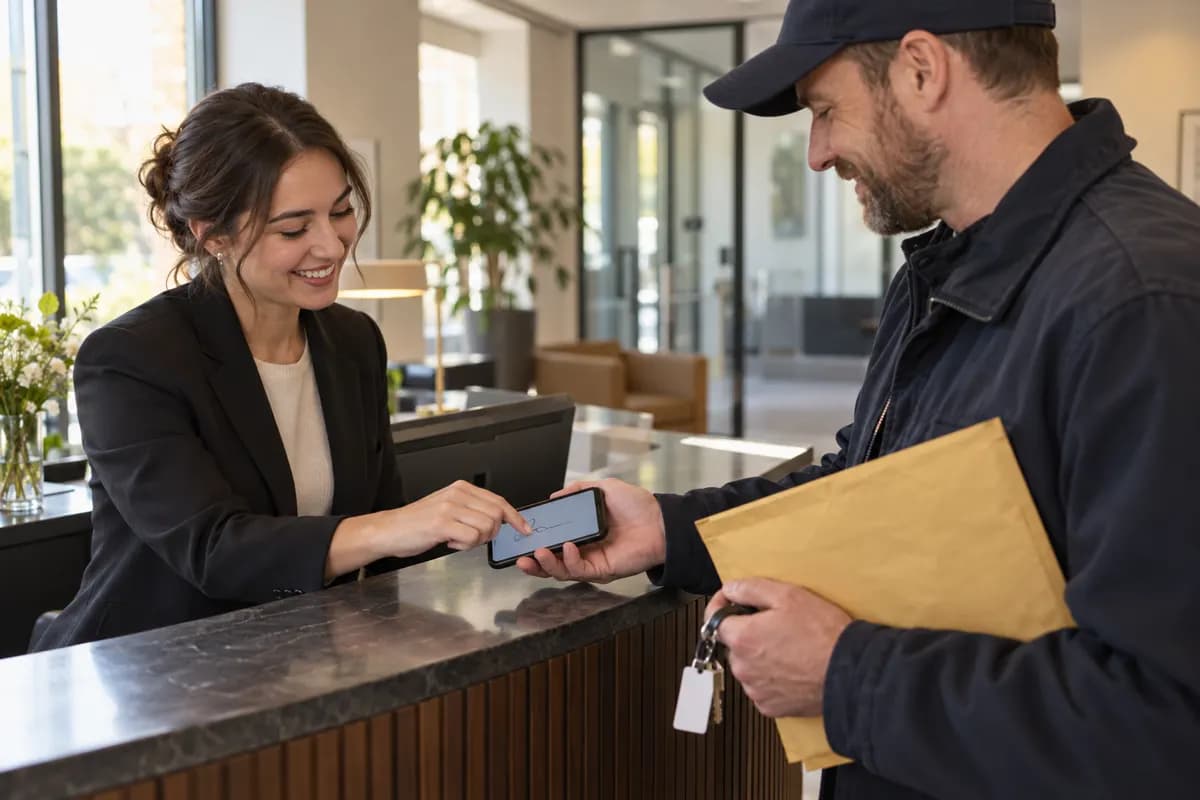
Documents, contracts and keys with signature

Send original documents, office keys or property-access items to a named recipient. Specify the handoff requirements when booking and include reception details, opening hours and a contact who can receive the item. Delivery proof helps your team record where and when the handoff happened. It does not replace notarisation, legal witnessing or your own identity-verification requirements.

Useful for: Legal ops, property managers, conveyancers, HR onboarding tools

Explore this use case

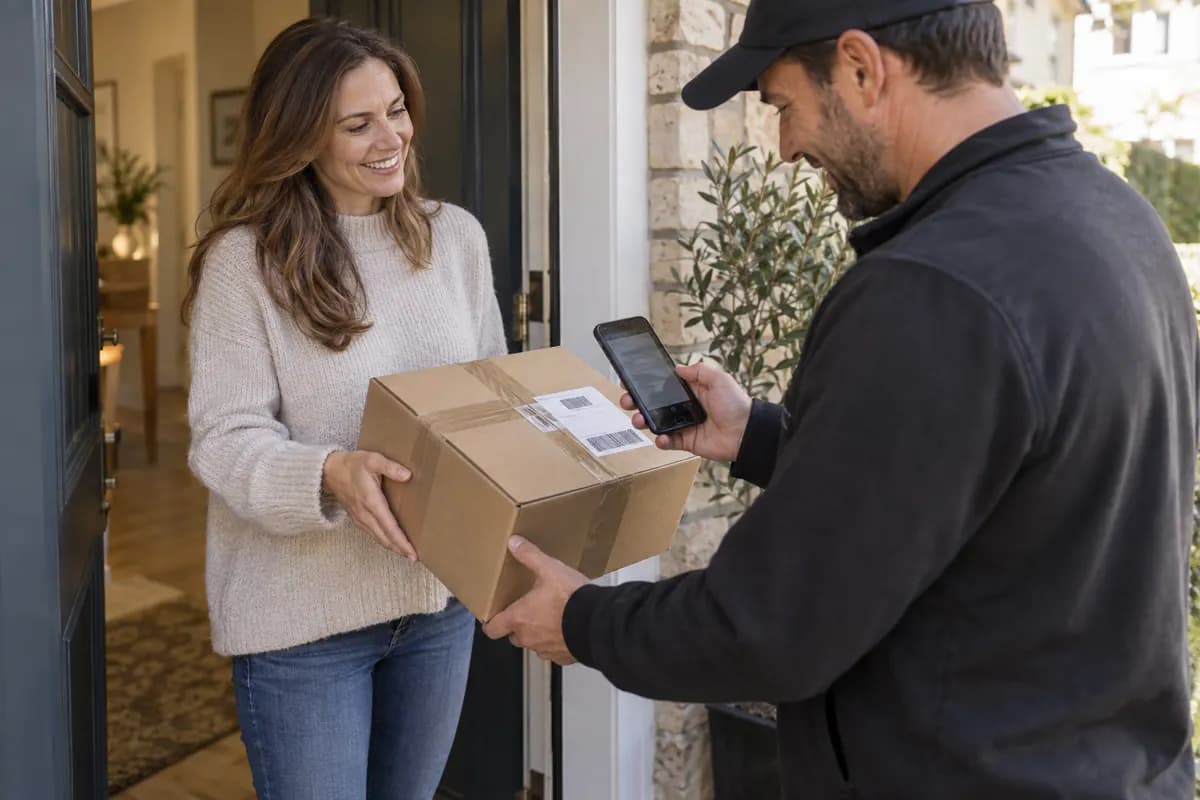
Same-day delivery for online stores

Offer local delivery from a store or stock location without building the dispatch workflow yourself. Once an order is paid and ready to collect, your commerce integration or backend can request delivery and keep the customer informed through tracking. Use the actual quote and service availability when presenting a delivery option at checkout, and allow enough time for staff to pack the order.

Useful for: Shopify and WooCommerce stores, marketplaces, DTC brands, florists, electronics retailers

Explore this use case

Returns and reverse logistics

Collect an approved return from the customer and bring it to your store, warehouse or repair location. Connect the collection to an order or return reference so your team can reconcile the item when it arrives. A replacement shipment and a return collection can be planned as separate deliveries; do not assume two bookings will use the same driver or form a guaranteed doorstep exchange.

Useful for: Retail returns automation, equipment rental, repair services, subscription boxes

Explore this use case

Multi-stop runs and route batching

Plan one pickup with several drop-offs when orders share a stock location. A multi-stop delivery keeps the destinations in one route, while a batch creates several delivery records. Those are different ways to organise work: a batch does not automatically combine orders into one vehicle. Quote the proposed route, check item capacity and leave time for each recipient handoff.

Useful for: Offices, print and sign shops, catering, pharmacies with daily rounds

Explore this use case

Scheduled and recurring deliveries

Prepare deliveries around a future pickup time, or use recurring delivery settings for repeat business needs. Office supplies, equipment collections and regular stock movements are good examples. Include pickup hours and recipient availability in the plan. Scheduling tells the system when the work is needed; it does not reserve a particular driver or remove the need to monitor assignment and progress.

Useful for: Clinics and labs, offices, subscription services, agents planning ahead

Explore this use case

Field handoffs and hardware logistics

Get a replacement part, packed device or piece of equipment from a depot to the person who needs it. Field-service and IT teams can attach the delivery reference to a support ticket and follow the handoff alongside the repair. Provide the technician's contact, site access instructions, item dimensions and appropriate vehicle requirement. The courier transports the item; installation and technical repair remain with your team.

Useful for: IT and device management, facilities, field service platforms, telecoms

Explore this use case

Errands for personal AI assistants

Let an assistant arrange transport for a forgotten charger, a packed gift or an item left at an office. The assistant gathers the pickup and drop-off details, checks the quote and obtains the user's approval before booking. Someone must be available to release the item at pickup. This is a package-delivery workflow, not an open-ended promise to shop, access a private property or perform arbitrary errands.

Useful for: Consumer assistant apps, concierge services, family-office tools

Explore this use case

Delivery as a feature for developers

Add delivery to a marketplace, point-of-sale product or business application through the REST API or MCP tools. Your product can quote a route, create a booking, show tracking and respond to delivery events. Start in the sandbox with simulated drivers, then connect live bookings to your own permissions, customer support and payment workflow. Keep credentials on your server and make duplicate-request handling part of the integration.

Useful for: SaaS builders, vertical marketplaces, POS vendors, agent frameworks

Explore this use case

How an on-demand delivery workflow works

The business use case changes, but the delivery lifecycle stays understandable. Keep the person requesting the delivery informed at each stage, especially when an order is waiting for a driver.

  1. Check coverage and get a route quote

    Start with the actual pickup and destination addresses, the package and the timing requirement. A quote gives your application a price and route estimates to present before booking. A published launch city is a starting point for coverage checks, not a guarantee that every address or departure time is available.

  2. Create and fund the delivery

    Once the customer or operator approves the job, create the delivery with the right contacts, instructions and proof requirements. Live bookings use the account's country workspace and local-currency wallet. Use an idempotency key when retrying a booking request so a network timeout does not become a second delivery.

  3. Follow assignment, pickup and progress

    A created booking still needs a driver to accept it. Track assignment and delivery events in your application, and use the customer tracking link for progress updates. For urgent jobs, watch the search status and handle exceptions explicitly instead of treating a successful booking request as confirmation that a driver is already on the way.

  4. Review proof and complete your workflow

    Read the recorded proof and delivery status before marking the business task complete. An online store may update its order, a property team may record a key handoff, and a repair service may reconcile a returned device. Delivery confirmation and any refund, exchange or support decision are separate actions in your business process.

Choose the right delivery pattern

One destination: local courier delivery

Use a local delivery for a single pickup and destination within supported coverage. It suits retail orders, documents and parts. Compare the available timing options against when the item will actually be ready, rather than choosing ASAP for an order that still needs packing.

Coverage

Several destinations: a route or a batch

Choose a multi-stop route when one pickup serves several recipients. Use a batch when you need multiple delivery records that can be dispatched separately. Local routes support up to eight drop-offs; a city-to-city delivery up to three. More stops add handling time, so plan around recipient access as well as driving distance.

Explore this use case

A neighbouring city: same day

If the drop-off is in one of our cities up to 160 km away by road, the quote comes back as a same-day city-to-city delivery with one dedicated driver, priced like a local job plus the drive back. It has to arrive by 21:00 local time; further than 160 km we decline, because a parcel network is the cheaper choice.

City to city

What to prepare before booking a courier

Good pickup information can matter as much as distance. Give the driver enough detail to collect and hand over the package without turning the job into a chain of phone calls.

A package that is ready to travel

Confirm that the item is packed, prepaid where relevant, and released for collection. Describe its size, weight and handling needs accurately. Check acceptable-use rules before requesting transport for restricted or specialist goods; a general courier booking does not establish cold-chain handling or suitability for regulated materials.

People and access at both ends

Provide a reachable pickup contact and recipient, plus collection references, business hours and useful entrance instructions. For a store pickup, confirm the order is ready. For a technician or office handoff, identify the person who can accept it rather than relying only on the building's street address.

Handoff requirements and an exception plan

Choose the available proof requirements when creating the job and explain who may receive the item. Decide how your team will respond if the pickup is not ready, the recipient is unavailable or no driver accepts. Use delivery status and support tools to resolve the situation; a tracking link alone does not make that decision for you.

Use the same delivery workflow from your existing tools

Choose the connection that fits how your business already works. The delivery requirements stay the same whether a person, an order system or an AI assistant starts the request.

For shops and commerce teams

Explore the Shopify app and the WooCommerce, BigCommerce, Wix Stores and Squarespace connector guides. Setup and platform capabilities vary, so check the relevant guide before promising checkout rates or automatic booking. Keep order preparation, customer consent and delivery exceptions visible to store staff.

Integrations ↗

For developers and operations teams

Use the REST API for application workflows, webhooks for delivery events and the console for operational visibility. Quote, booking and tracking should connect to your existing order or ticket reference. Test retries and unsuccessful delivery paths in addition to the straightforward delivered case.

API docs ↗

For AI assistants and agent builders

Connect the RentADriver MCP server so an assistant can use structured delivery tools. The assistant should collect the missing details, show the quote and ask for approval before a consequential action. Keep account permissions and spending controls in place, and let actual delivery status determine what the assistant tells the user.

MCP tools ↗

Delivery use-case questions

Can I use RentADriver for same-day delivery?

Yes: across your city, or to a neighbouring city up to 160 km away. Whether a specific job arrives the same day still depends on when it is ready and on a driver accepting it. Check the quote and track assignment before giving your customer a firm expectation. Estimates are not guaranteed arrival times.

What is the difference between store pickup and retail delivery?

Store pickup usually starts with an existing prepaid order that someone needs collected. A retail-delivery integration starts inside the merchant's order workflow and can connect booking and tracking to that order. Both need a ready package, a valid collection reference where applicable and a reachable recipient.

Can I book a return or an equipment collection?

Yes. Use the return workflow for an eligible existing delivery, or create a new delivery with the customer as the pickup location. Include a return or equipment reference. Physical collection does not automatically approve a refund, inspect the item or guarantee that an exchange uses one driver.

Can an AI agent book a real courier?

An authorised agent can use the MCP tools to quote and book a delivery, then follow tracking and proof. It still needs the right addresses, item details, account access and approval to spend. Connecting an assistant does not bypass driver availability, funding or the service's delivery requirements.

Do I need an integration to try the delivery flow?

Start with the console and developer documentation to understand quotes, bookings and tracking. The sandbox lets you rehearse the delivery lifecycle with simulated drivers without dispatching a real courier. For live work, check coverage and complete the account and funding requirements.

How are courier prices calculated?

Prices depend on the route, service option, package and vehicle requirements, with local pricing for the pickup market. Request a quote for the actual job rather than relying on a universal starting price. Multi-stop routes and separate batched deliveries are priced according to their own booking structure.

Does proof of delivery include a signature or recipient check?

The booking supports configurable proof requirements, including options such as a photo, recipient name, signature or OTP. Select the available requirements that fit the handoff and inspect the resulting record. Delivery proof records a handoff; it is not a blanket guarantee of identity, legal validity or the condition of an unseen item.

What if there is no available driver?

Creating a booking starts the delivery workflow; assignment happens when an eligible driver accepts. Monitor the search and final status, and use your application's exception process if the job remains unassigned or the search ends. Do not tell a recipient a driver is on the way until assignment is confirmed.
Build around a real delivery need

Choose one route and one customer workflow. Check coverage, explore the quote and rehearse the lifecycle in the sandbox before adding live delivery to your product.

Support